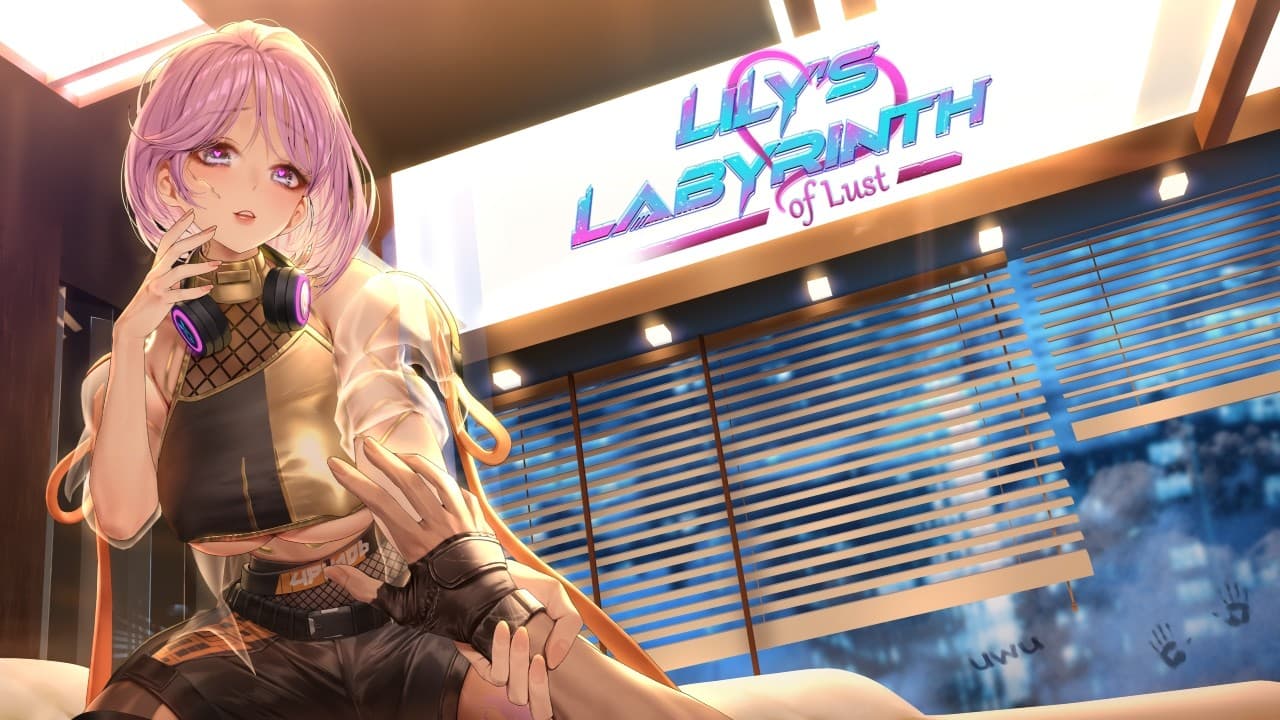
The brief
An anime-stylized action title that showcased on the Tokyo Game Show 2024 floor and shipped on Steam. Twelve months at Vmmersion LLC, remote, as Senior Unreal Engine Developer on a team of five UE devs. UE 5.5 through the TGS 2024 demo build; migrated to UE 5.6 in Q1 2025 for the public release window.
My role
Senior Unreal Engine Developer on a team of five UE engineers. The creative director reviewed all engineering work across the team. I owned ten gameplay systems on this project: behavior trees, localization, abilities, Quick Time Events, AI navigation, combat state machines, minimap, objectives system, dialog system, settings menu, and game states. The AI pursuer (the antagonist who hunts the player through the level) was the single most engineering-heavy character on the project, with her own behavior tree, navigation pipeline, and movement-naturalness pass all running through systems I owned.
The team is named at the bottom in Credits.
The hard part
Navigation mesh tuning in a densely-collisioned level, paired with making the AI pursuer feel like she was actually moving through the space rather than sliding across it.
The level was packed with collision geometry. Every prop, every wall edge, every piece of environmental clutter had its own collision response, and the result was a navmesh that looked correct in the editor but produced AI behavior that broke immersion the moment the pursuer encountered a tight corner. She got stuck on collision corners. She took visibly suboptimal paths when shorter ones were available. She snapped rotation in tight spaces. She failed to find paths through areas that looked passable.
Getting unstuck. The fix was a level-wide collision authoring pass, not a navmesh setting tweak. I went through every mesh and actor across the entire level and adjusted collision per-asset, then added NavLink Proxies for the cases where the navmesh needed help bridging between disconnected areas, custom NavQueryFilters so the pursuer could prefer certain path classes over others, and custom collision queries for the edge cases where standard navigation logic produced wrong answers. The hardest realization was that the BT design wasn't the problem; the collision data the navmesh was building from was the problem, and no amount of BT tuning would have fixed it.
Looking natural. Even with the navmesh producing correct paths, the pursuer's movement looked artificial. She rotated her whole body in a single frame when changing direction. She slid across the floor when her animation didn't match her movement speed. Three coupled fixes solved this. First, a rotation lerp so her head turned toward the new direction first, with the body following over several frames. Second, animation-to-speed sync so her locomotion animation playback rate matched her actual ground speed and she didn't slide. Third, proper blendspace authoring for the pursuer's locomotion so transitions between idle, walk, and run blended naturally. None of the three on their own was enough; all three had to work together.
What I built
AI pursuer behavior tree. The antagonist's full decision-making logic. Patrol routes, awareness states, pursuit logic, search behavior when the player escaped line of sight, the full hostile-NPC stack.
AI navigation pipeline. The navmesh tuning described above. NavLink Proxies, custom NavQueryFilters, per-mesh collision authoring across the entire level, custom collision queries. The work that made the pursuer move through the level correctly.
Pursuer movement naturalness. Rotation lerp, animation-to-speed sync, blendspace authoring. The coupled fixes that made her feel like she was actually inhabiting the level rather than sliding through it.
Combat state machines. The full combat state graph for player-versus-pursuer encounters: engagement states, hit states, recovery states, combat-end resolution.
Ability pipeline. The framework for activating, resolving, and ending player abilities, tying into combat state and animation.
Quick Time Event system. The QTE infrastructure for the scripted reactive sequences during gameplay.
Game states. The top-level state machine governing menu, gameplay, paused, cinematic, and end states, plus the transitions between them.
Dialog system. The runtime dialog playback, choice selection, and continuation logic.
Objectives system. The player-facing objective tracking, with state transitions for active, completed, and updated objectives.
Minimap, localization, and settings menu. The minimap rendering pipeline, the multi-language localization integration, and the full settings menu with persistent user preferences.
Results
TGS 2024 floor demo locked at 60 FPS on mid-range PC hardware: i7-14700K + RTX 3060 8GB. The hardware target was deliberate; mid-range PC at a steady frame rate at TGS reads as a more disciplined engineering signal than any number on top-end hardware would.
The build started below 30 FPS in some scenes. Getting to a locked 60 was a full-pass optimization effort over the months before TGS.
98% reduction in frame-time hitches between the early optimization baseline and the shipped build, primarily through PSO caching, shader warmup at game launch, animation blueprint optimization, soft object reference migration, unloaded-asset cleanup, garbage collection scheduling during load screens, and Tick-cost reduction across the gameplay systems.
40% reduction in level-transition load times, from under 20 seconds to under 10 seconds, primarily through shader precompilation at first launch (so subsequent loads weren't paying that cost), lazy-loading of non-critical actors, and async loading with soft references replacing hard references.
Public Steam release after TGS. The Steam URL is gated as a spoiler link above; the project contains adult content and Steam handles the age gate from there.
Tech stack
Unreal Engine 5.5 (TGS demo) → Unreal Engine 5.6 (public release)
Blueprint primary
Behavior Trees for AI decision-making
Navmesh (Recast) with NavLink Proxies and custom NavQueryFilters
PSO caching via
r.ShaderPipelineCache.SaveBoundPSOLogworkflow, captured during playtesting and shipped with the buildShader warmup at game launch (precompile during company logo splash, loading screen fallback if compilation extended past the logos)
Animation Blueprint with rotation lerp, animation-to-speed sync, and blendspace authoring for the AI pursuer
Lessons learned
PSO caching is the under-documented UE5 optimization most projects ship without. We hit the predictable failure mode after launch: severe hitches in some scenes when a player encountered a shader the engine hadn't compiled yet, because that compilation was happening at runtime in the middle of gameplay instead of upfront. The fix was the standard PSO workflow done properly: capture the cache during playtesting via the r.ShaderPipelineCache.SaveBoundPSOLog workflow, ship the resulting cache with the build, and warm up the shaders at game launch behind the company-logo splash screens so the player never sees a compile stutter. The lesson was that the optimization isn't conceptually hard, it's procedurally expensive (the playtesting pass to capture the cache is real work), and the projects that ship without it are the ones that hotfix it post-launch under user complaints.
Navmesh density is a collision-authoring problem, not a behavior tree problem. The AI pursuer's biggest behavioral failures (stuck on corners, suboptimal paths, snapping rotation in tight spaces) looked like BT design issues, and I spent days trying to fix them at the BT level before realizing the navmesh underneath was building from wrong collision data. Every mesh and actor in the level needed individual collision authoring before the navmesh produced paths that an AI could move through naturally. The lesson was that in densely-collisioned UE5 levels, the engineering time goes into per-asset collision tuning, not BT logic, and the BT only starts producing good results once the navmesh underneath is built from correct collision geometry.
Credits
Matthew Dong (Creative Director). Reviewed engineering work across the team and owned the creative direction. LinkedIn
Alexis Arroyo M. (Art Director). Owned the visual direction. LinkedIn
Angela Do (Producer). Owned project production and coordination. LinkedIn
Jackson Saylor (Software Engineer). Engineering team peer. LinkedIn
Asad Rehman (Unreal Engine Developer). UE team peer. LinkedIn


